Viewing Your Account Activity
Last updated: April 2, 2026
You can access the history of your account activity through the following three ways:
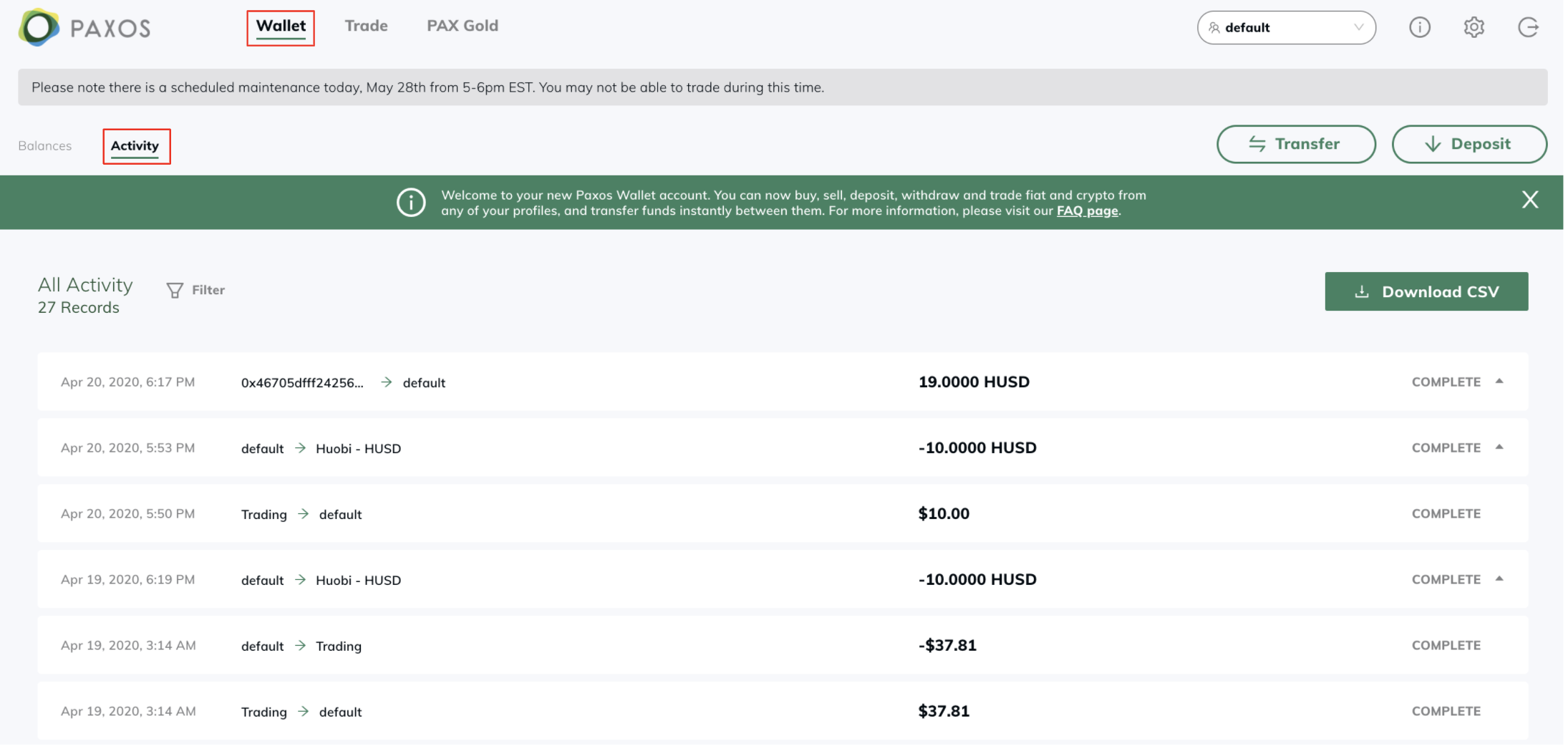
- Wallet/Funding Activity - From the home dashboard, select ‘Activity’ at the top left corner of the screen.
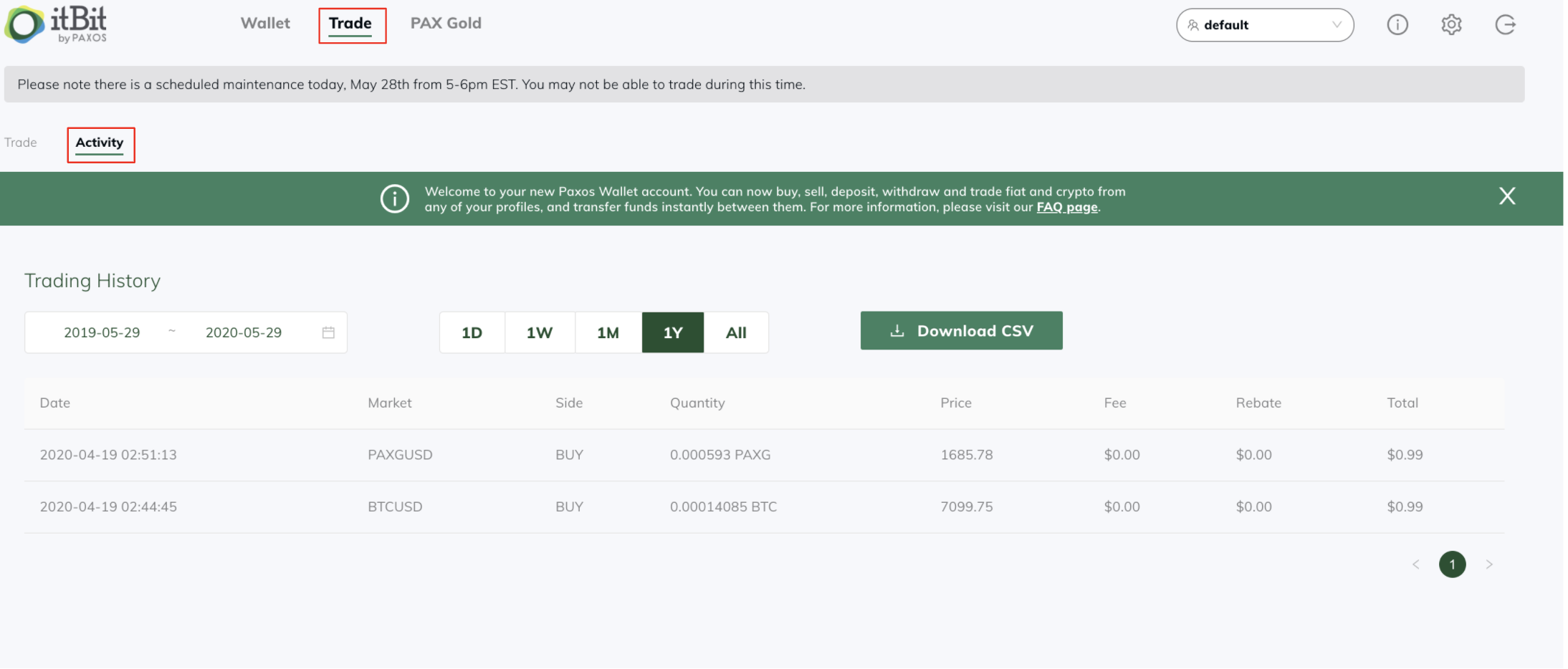
- Trade Activity - From the ‘Trade’ tab, select ‘Activity’ at the top left corner of the trading screen.
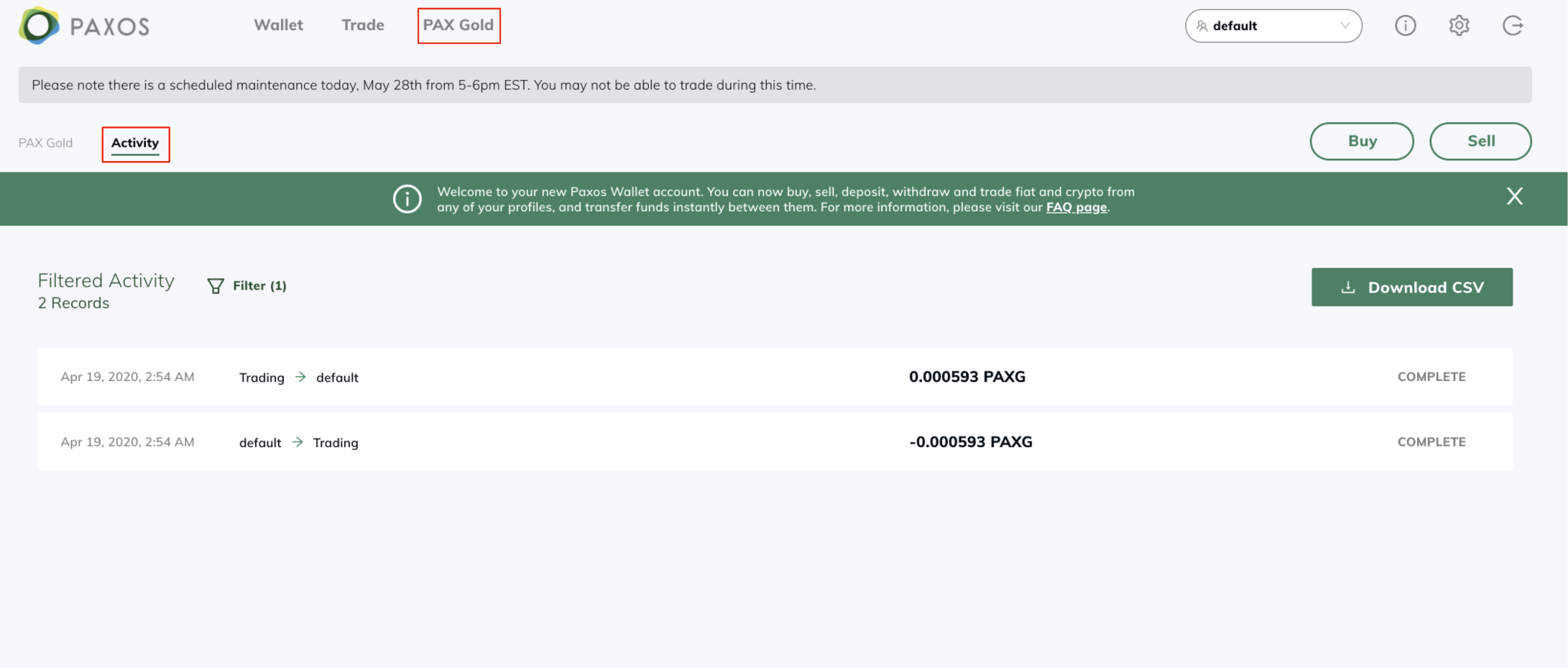
- PAX Gold Activity - From the ‘PAX Gold’ tab, select ‘Activity’ at the top left corner of the PAX Gold screen.
Please note that each ‘Profile’ will have its own set of activity pages, if applicable. If you’re still having trouble viewing your history, please submit a request here.