How to place a Buy order on the itBit Exchange using a Market Order
Last updated: April 2, 2026
Please note there are multiple ways to place orders on our exchange, below is an example of a Market Order. However, you may choose to place a different type of order at your own discretion. This is purely used as a How To guide not a recommendation for placing orders.
Step by Step Guide
Please ensure that you are logged into your Paxos account. Once your account is funded, you will be able to place a trade (insert link on how to fund your account).
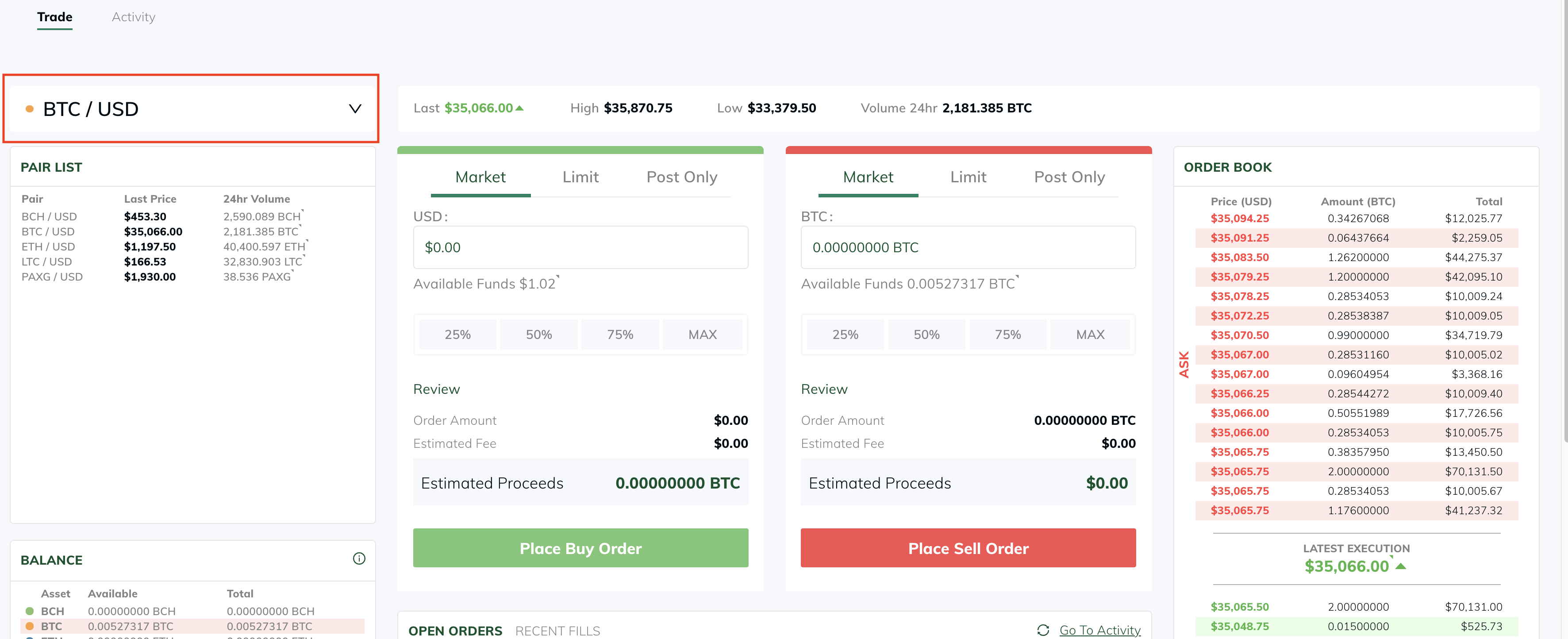
Click the tab at the top of your home dashboard titled, “Trade”
Once in the “Trade” tab, you will be in the Order Book. It should look like the screenshot below.
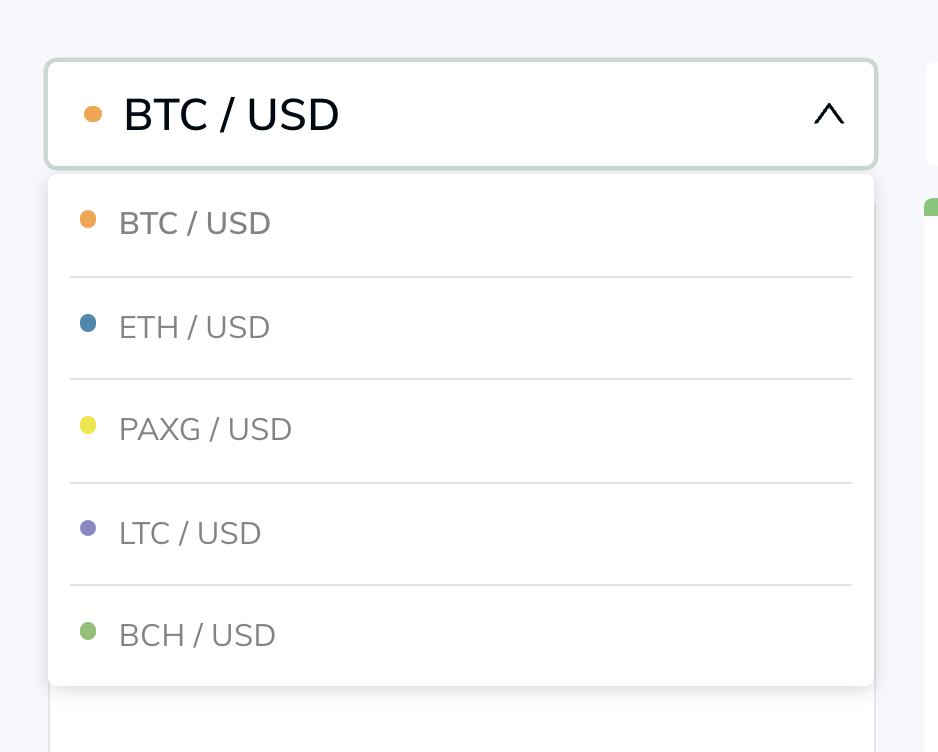
When you are ready to place your order, verify the crypto asset trading pair you wish to trade with by selecting from the drop down. See screenshot here below:
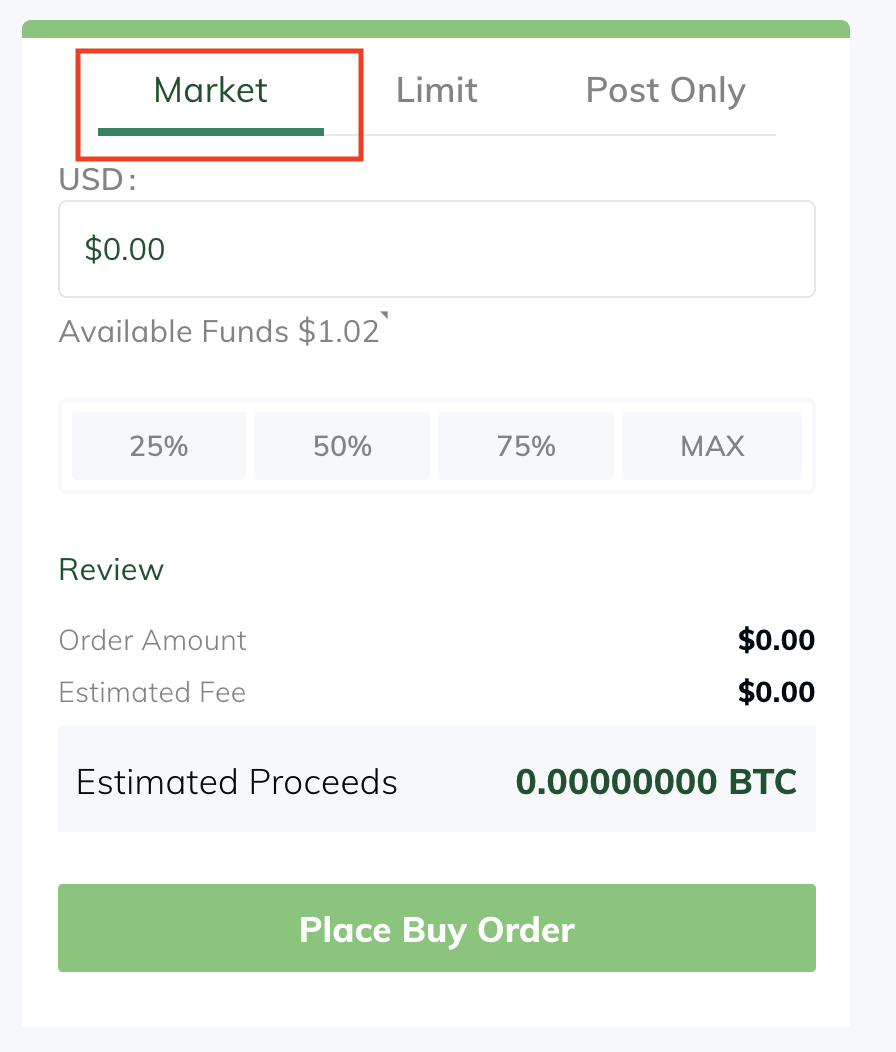
After confirming the crypto asset trading pair you wish to purchase and the order type. In this example we are showing a Market order, again you may wish to choose a different type of order at your own discretion. Which will execute the order at the current itBit market price of the crypto asset.
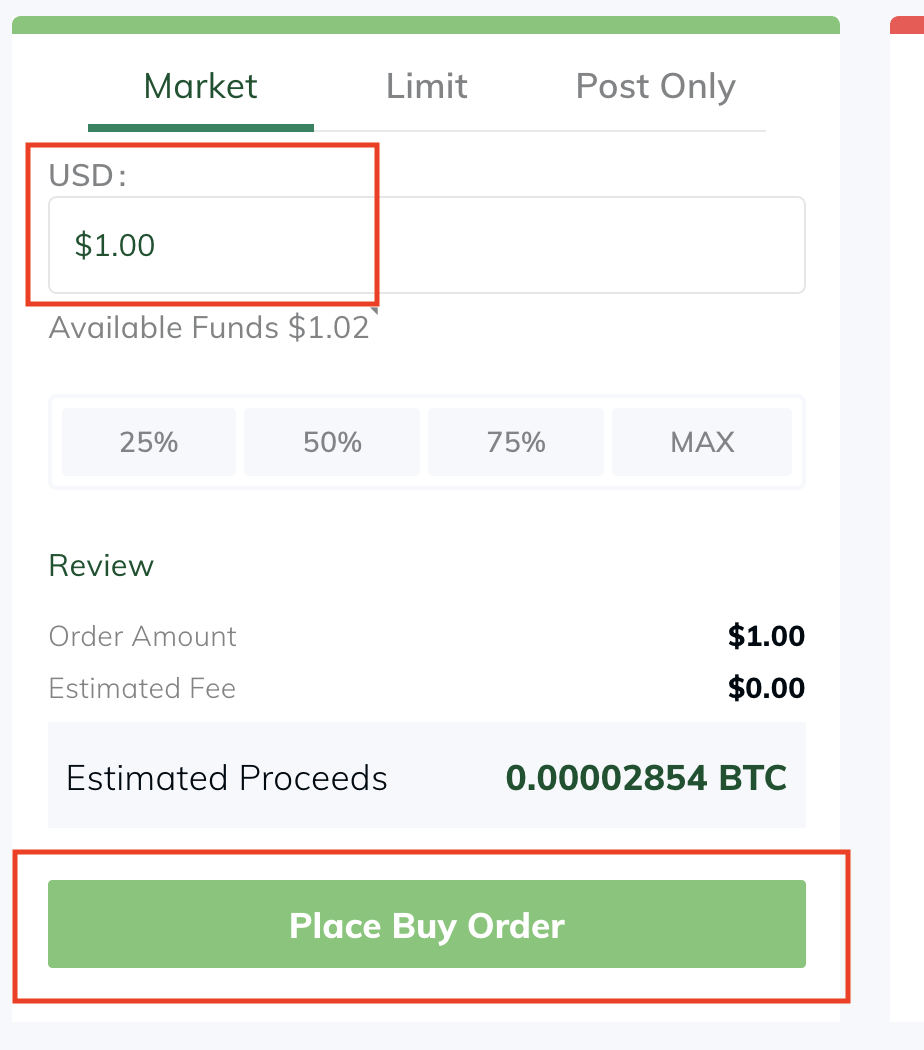
Type in the USD amount you would like to purchase crypto with
*Please note you must have available balance in your account in order for the purchase order to be submitted
Click "Place Buy Order"
You have now purchased a crypto asset!