Complete Your Wallet Migration
Last updated: August 21, 2026
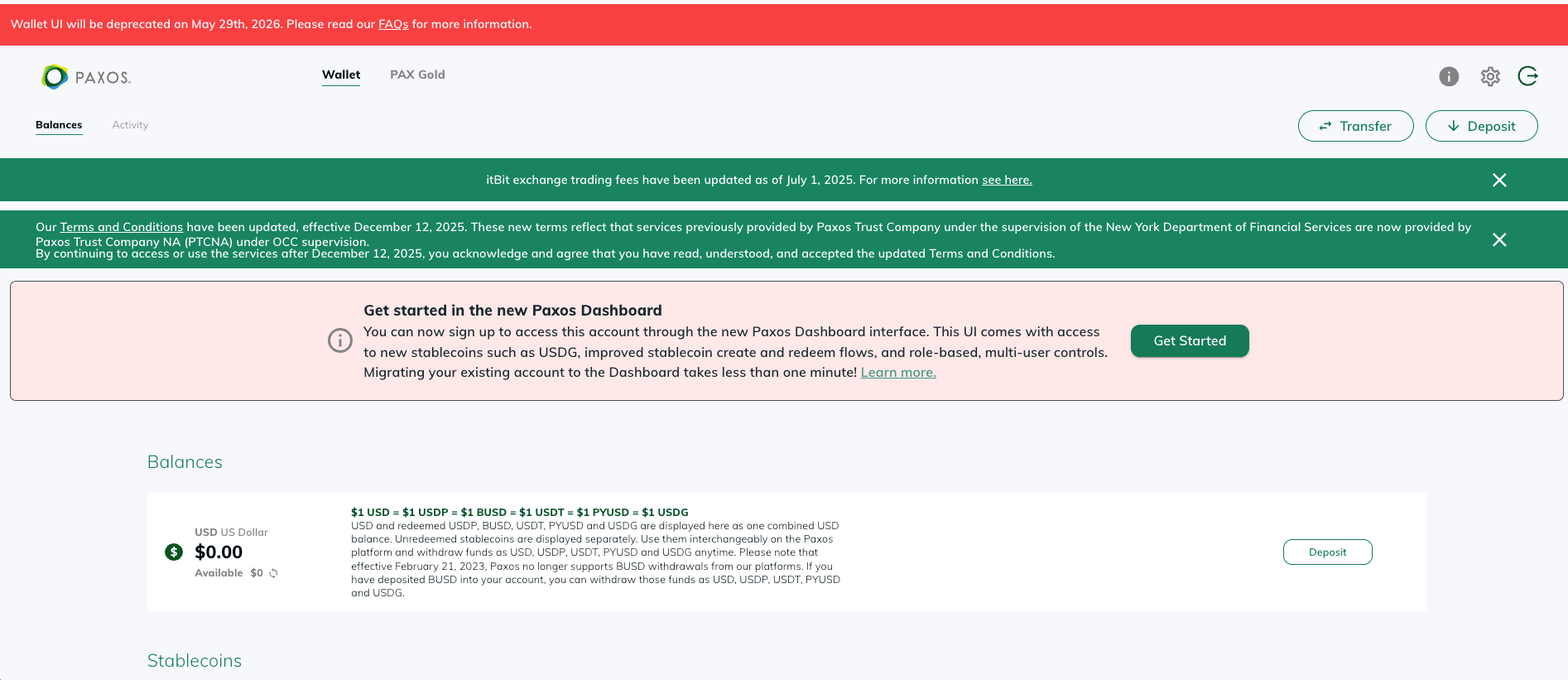
Log into Wallet UI (https://account.paxos.com) and click on the “Get Started” button within the red banner titled “Get started in the new Paxos Dashboard”.
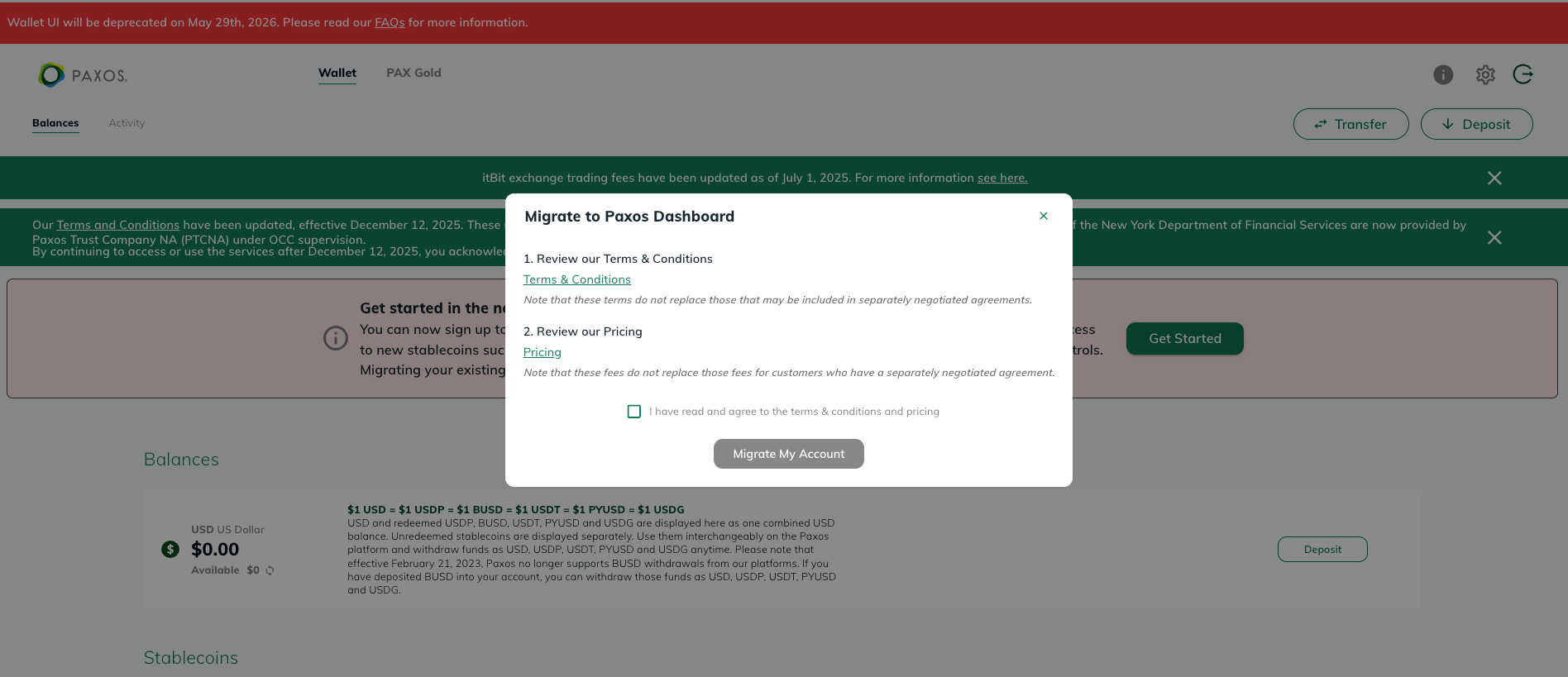
Agree to Dashboard’s terms and conditions and click on “Migrate My Account”.
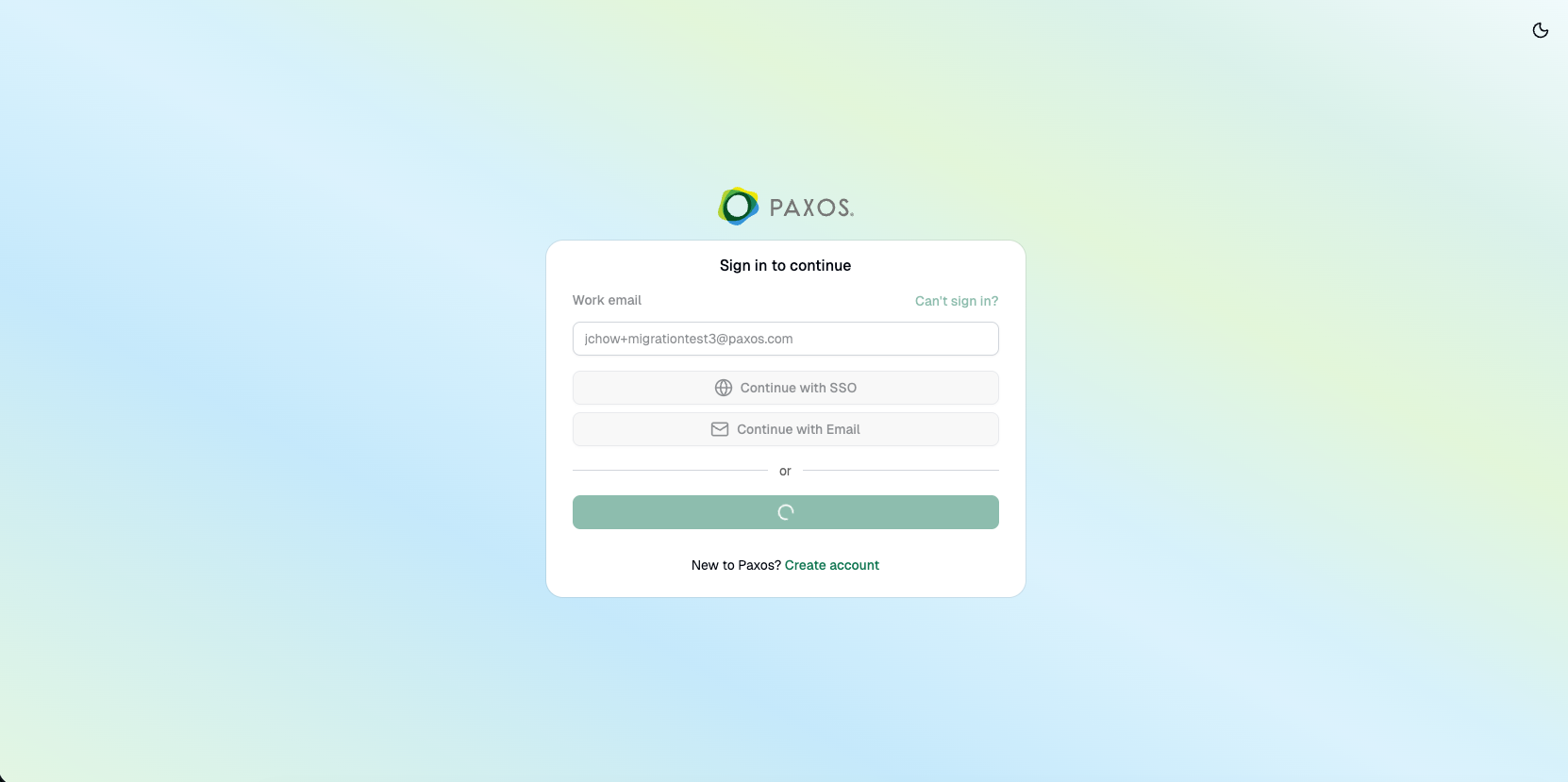
A new tab will open – please note that you may need to enable pop-ups and/or redirects on your browser for this to occur. If the new tab does not appear, you can access the Dashboard directly (https://dashboard.paxos.com/), enter your email, and proceed to Step 5.
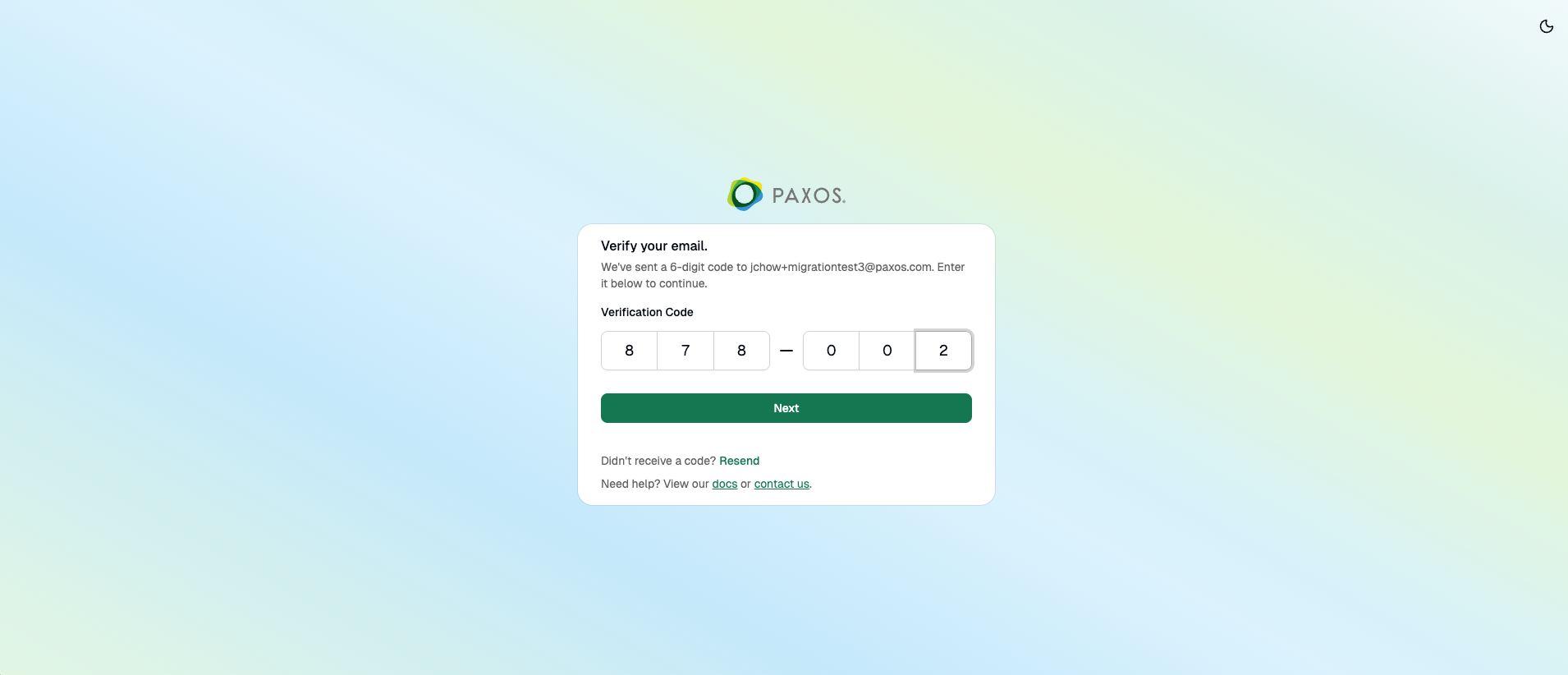
You will receive a verification code in your email address that is registered as the “Work email” for your Dashboard account–please enter the code in the “Verification Code” field.
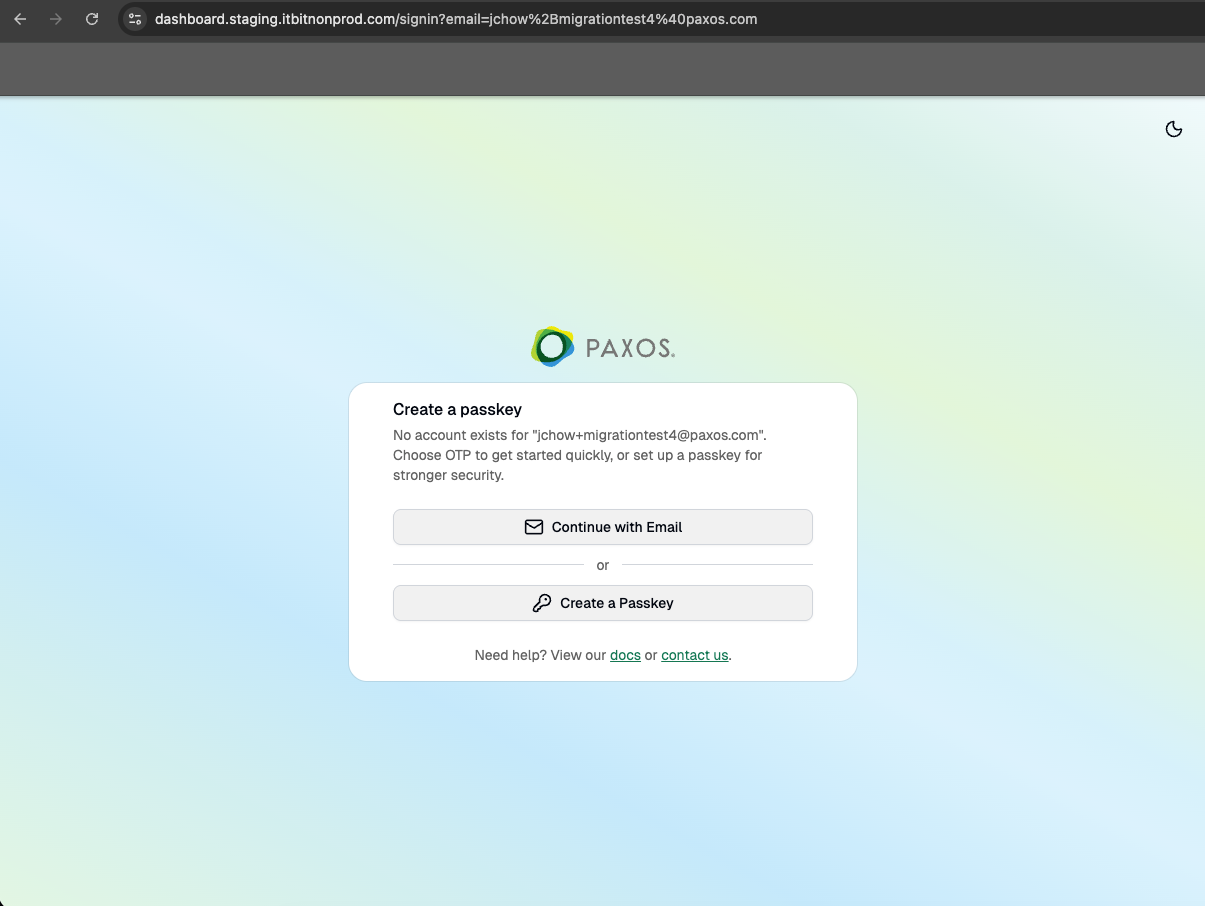
You will be prompted to create a passkey. Once the passkey has been successfully created, you will be redirected again to the Dashboard login screen with your email autofilled.
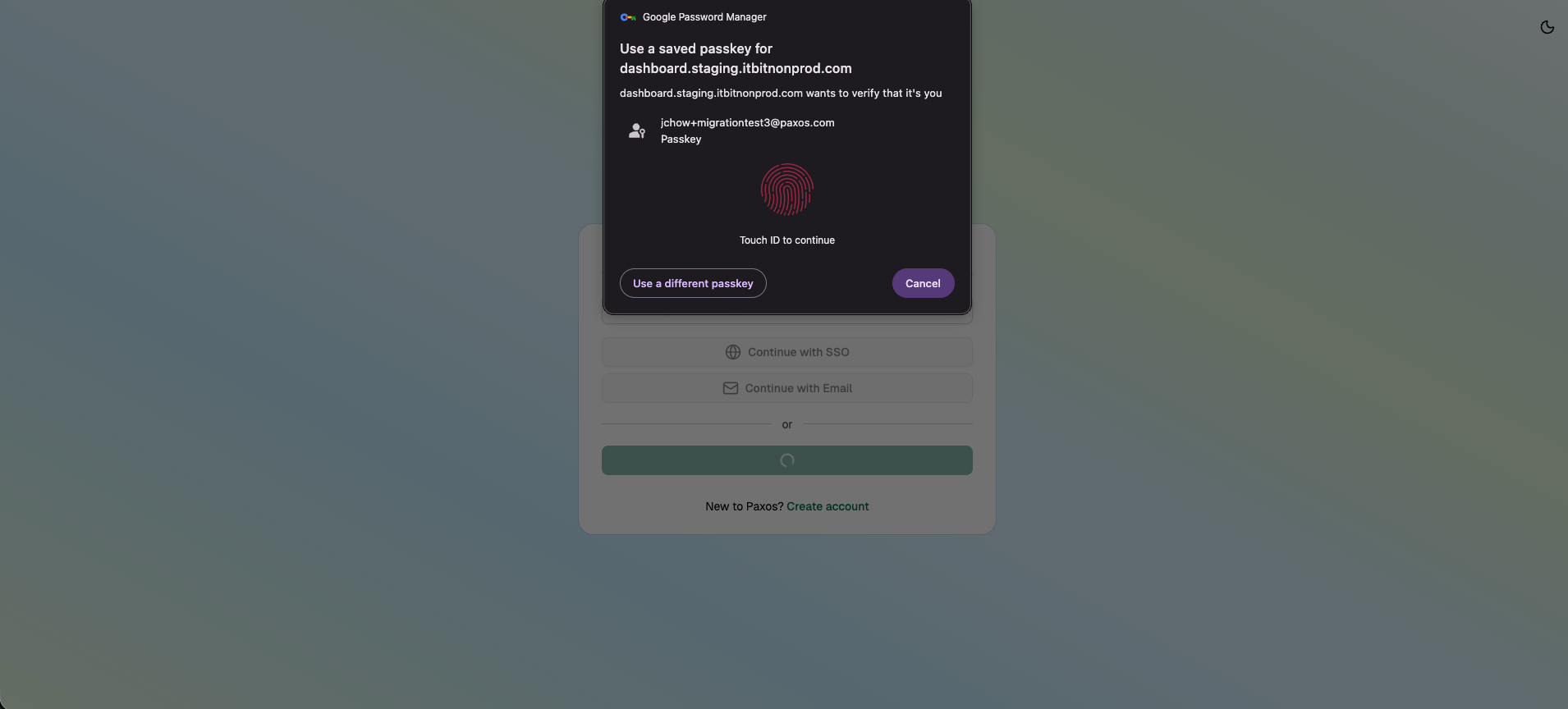
You will then be prompted to use your passkey to login to Dashboard.
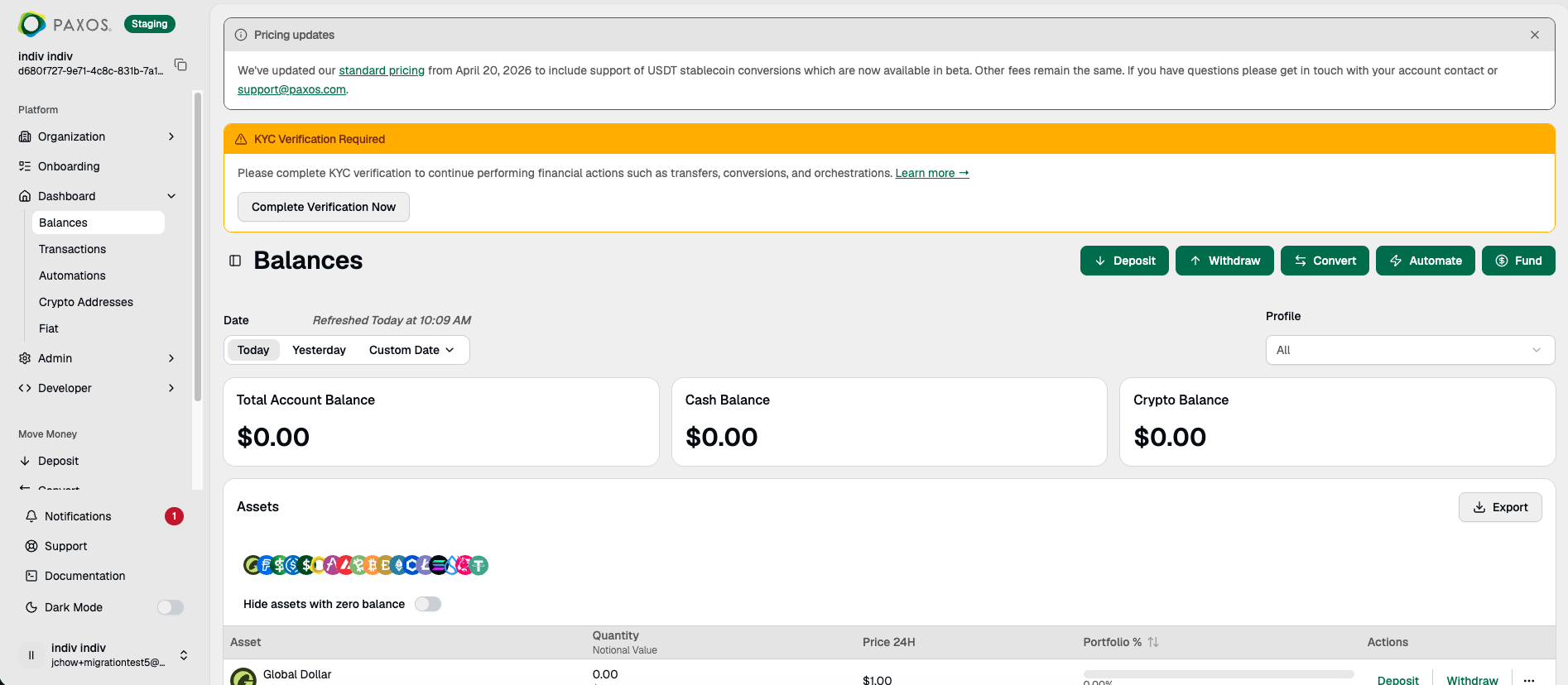
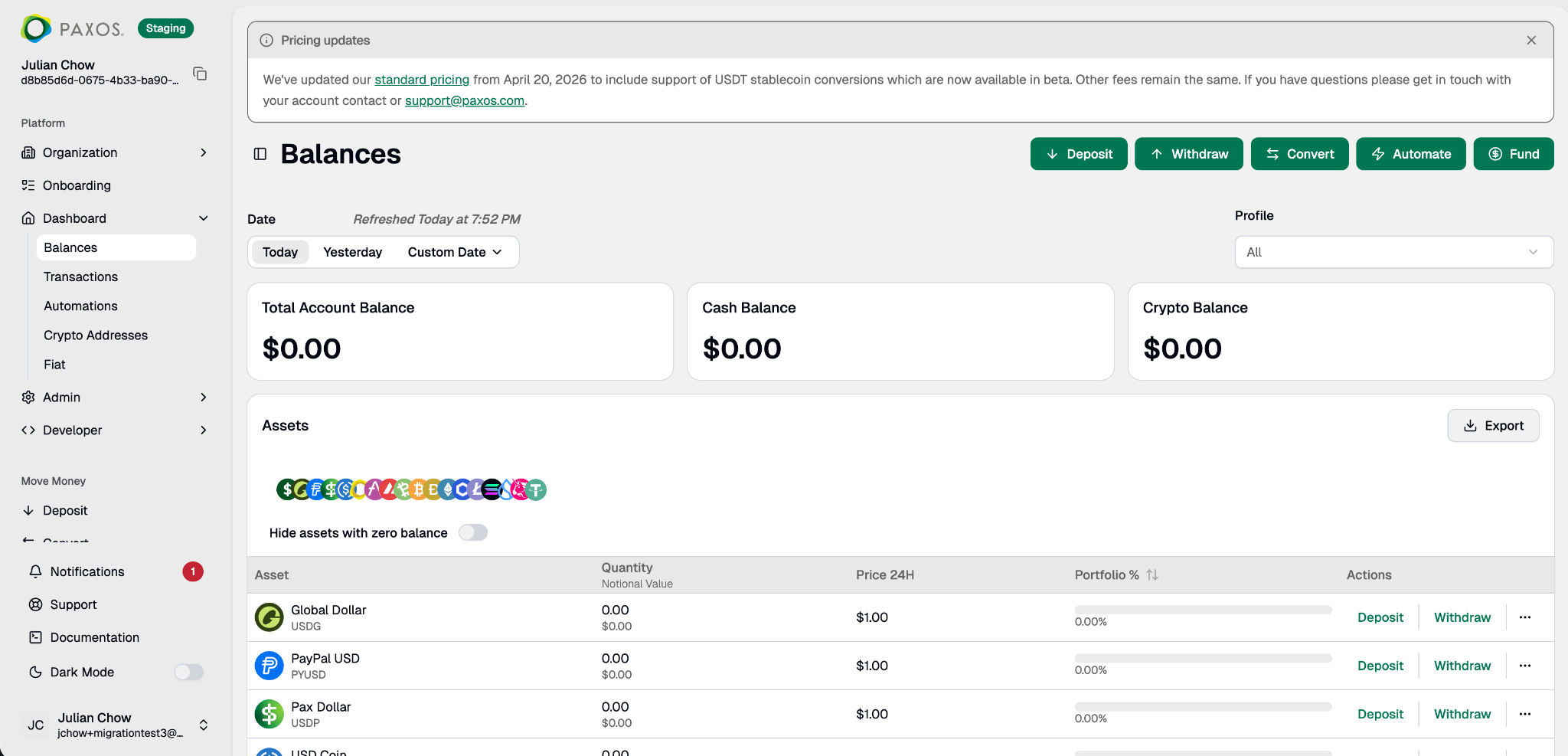
You should now be successfully logged into Dashboard; click "Complete Verification Now" to complete your migration.
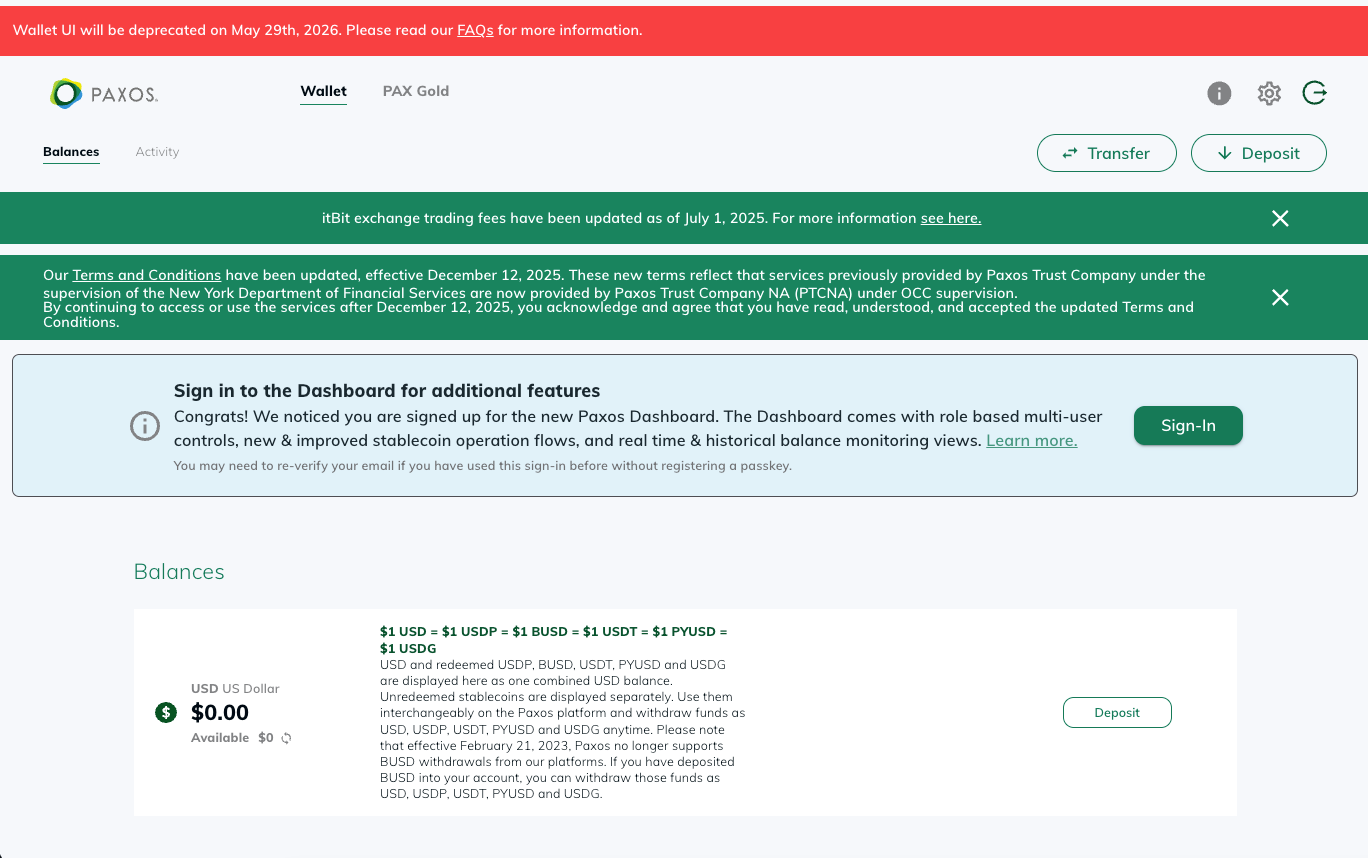
Prior to May 29th, 2026, you can still login to Wallet if you so desire, though a new banner on Wallet will prompt you to return to Dashboard.
Should you have any questions or require support for any of these items, please do not hesitate to reach out to our support team here.