Managing Saved Wallet Addresses
Last updated: March 30, 2026
Saved Addresses
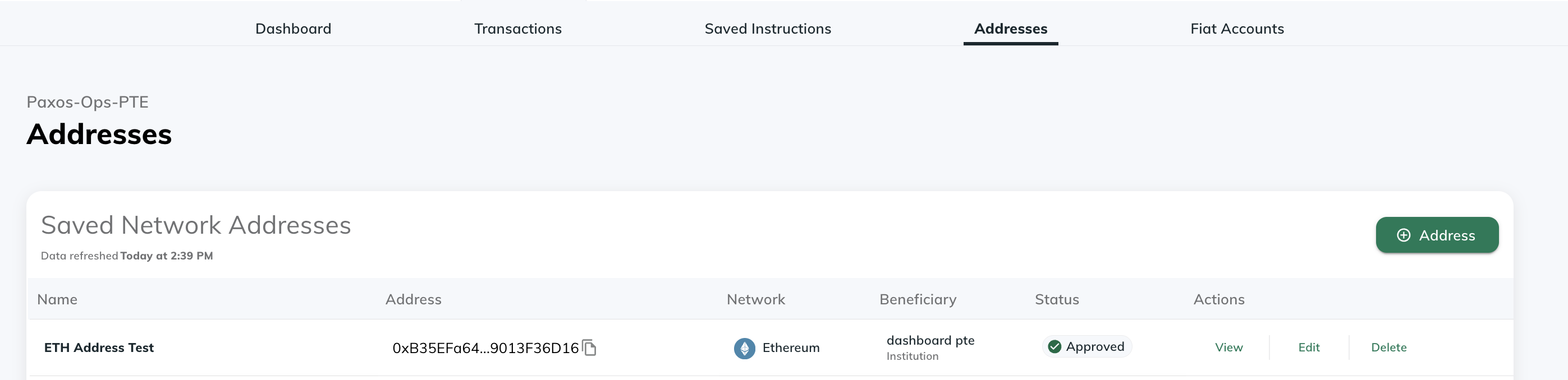
Within the “Addresses” tab, you can View / Add / Delete / Edit your saved wallet addresses. Note that these features will only be available to users with the "Treasurer" role
View Addresses
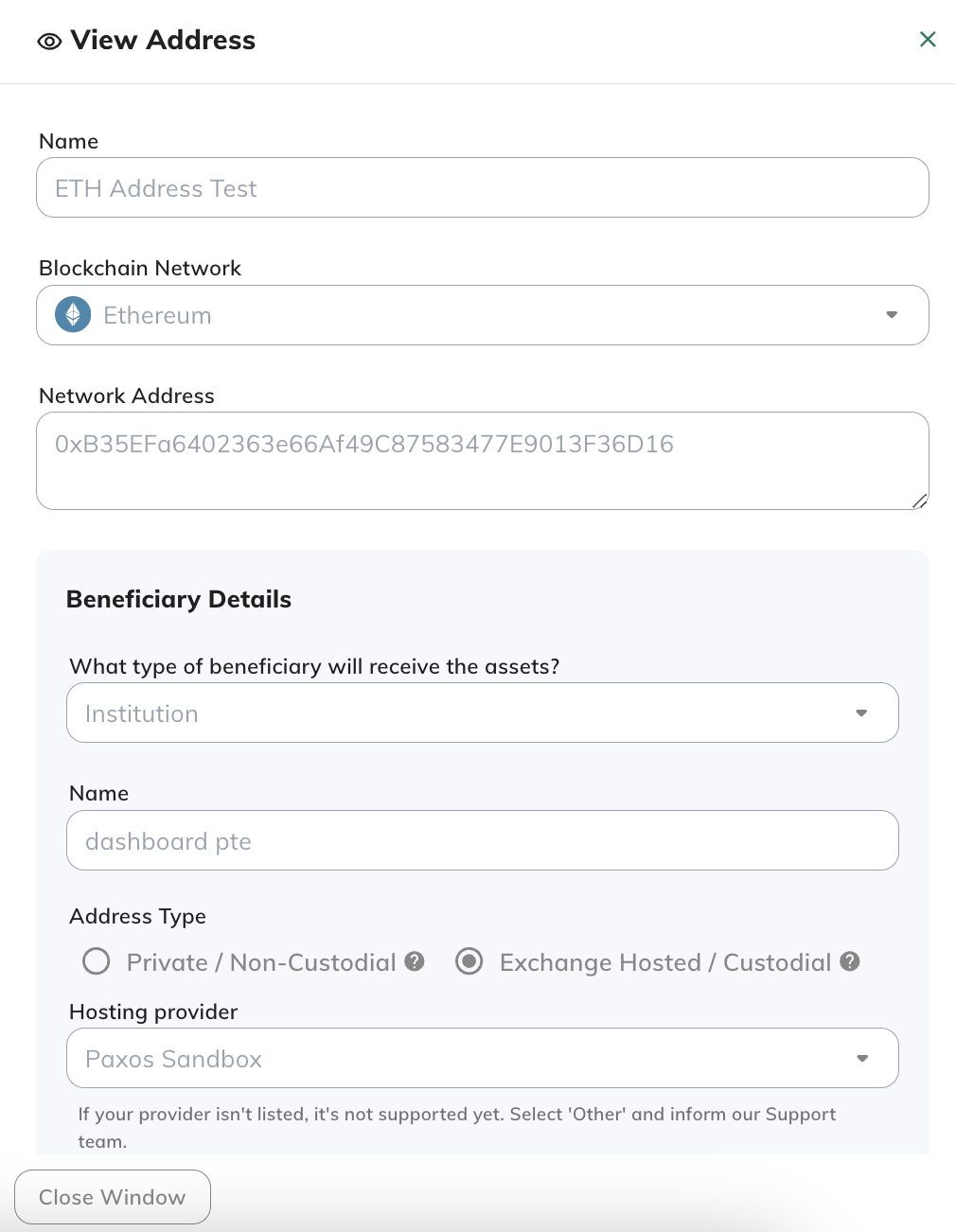
Clicking on the "View" button will open a pop up that will display information about the saved address.
Edit Addresses
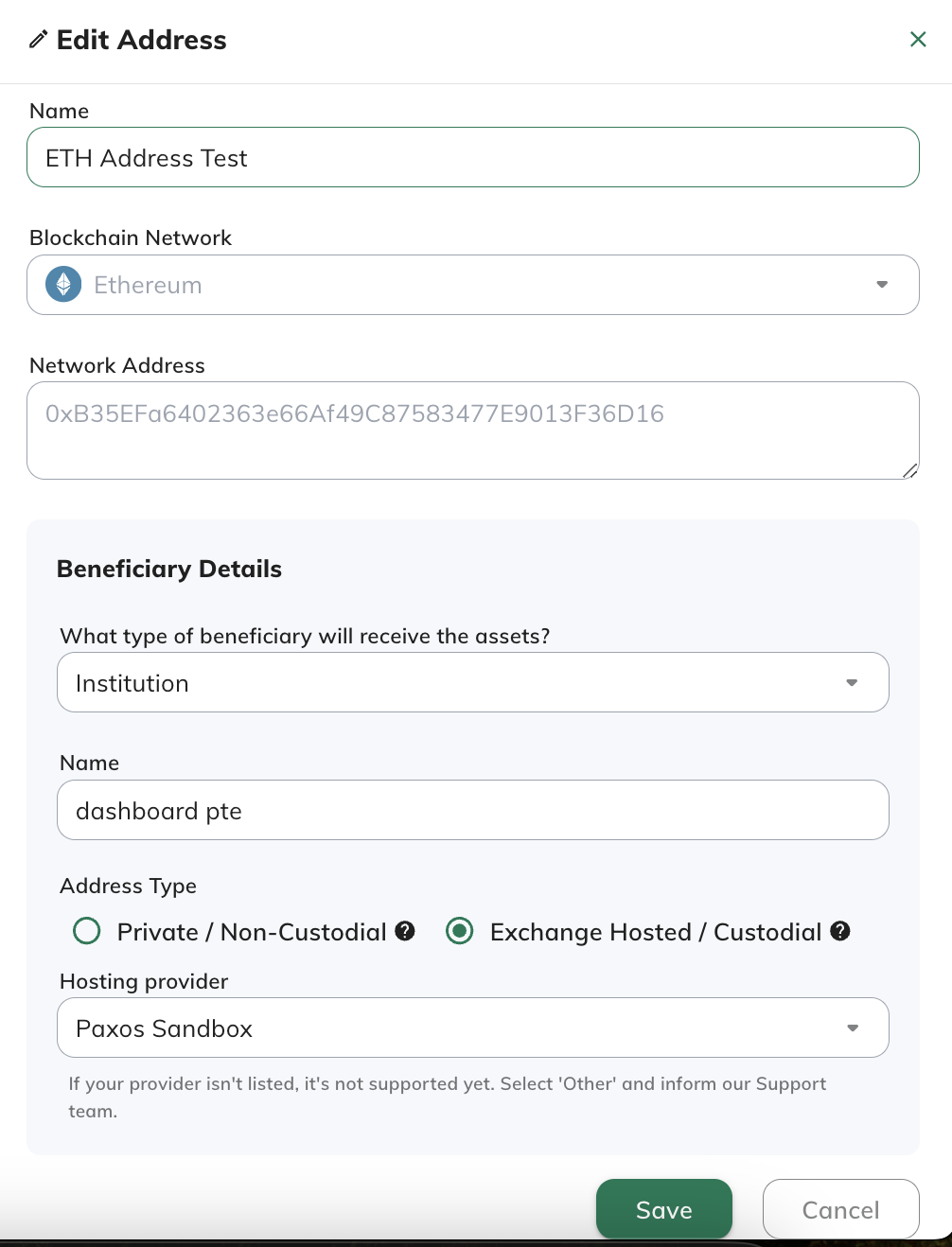
Clicking on the "Edit" button will open a pop up that will display information about the saved address. Here, you will be able to update the nickname as well as Beneficiary details of the saved address. Please note that the network address cannot be edited - you would have to delete the original address and then add a new address.
Delete Addresses
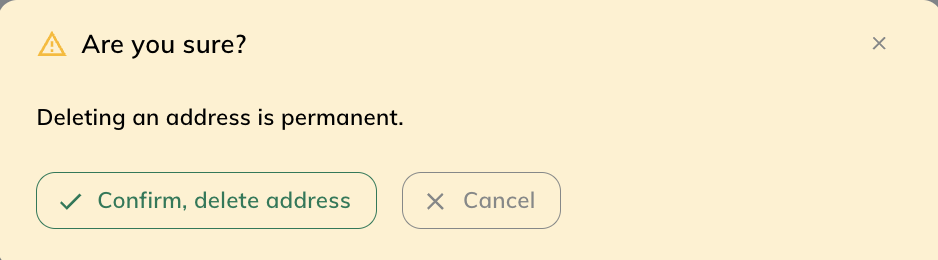
Clicking on the "Delete" button will open a pop up that will ask for confirmation to delete the saved address
Add Addresses
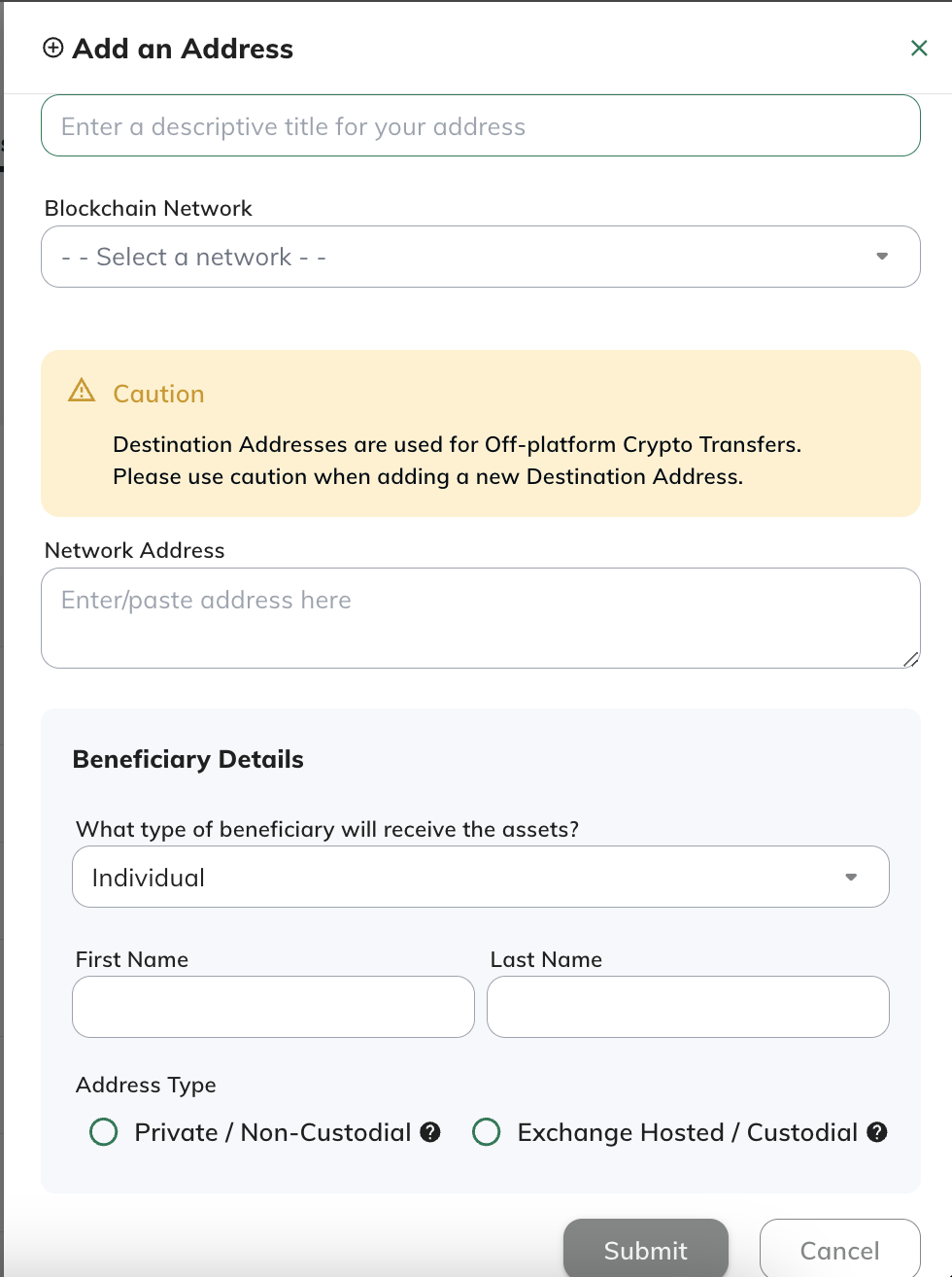
Clicking on the "Add" button will open a pop up that will ask for confirmation to add the saved address. You will have to provide all requested information:
- Nickname/title for Address
- Blockchain Network
- Network Address
- Beneficiary Details
- An example of a Private/Non-custodial wallet would be your own Metamask/Ledger wallet address
- An example of a Exchange Hosted/Custodial Wallet would be your Coinbase/Kraken deposit address